Tap to Pay on iPhone
With Tap to Pay on iPhone, you can accept all types of in-person, contactless payments, right on your iPhone.
How it works
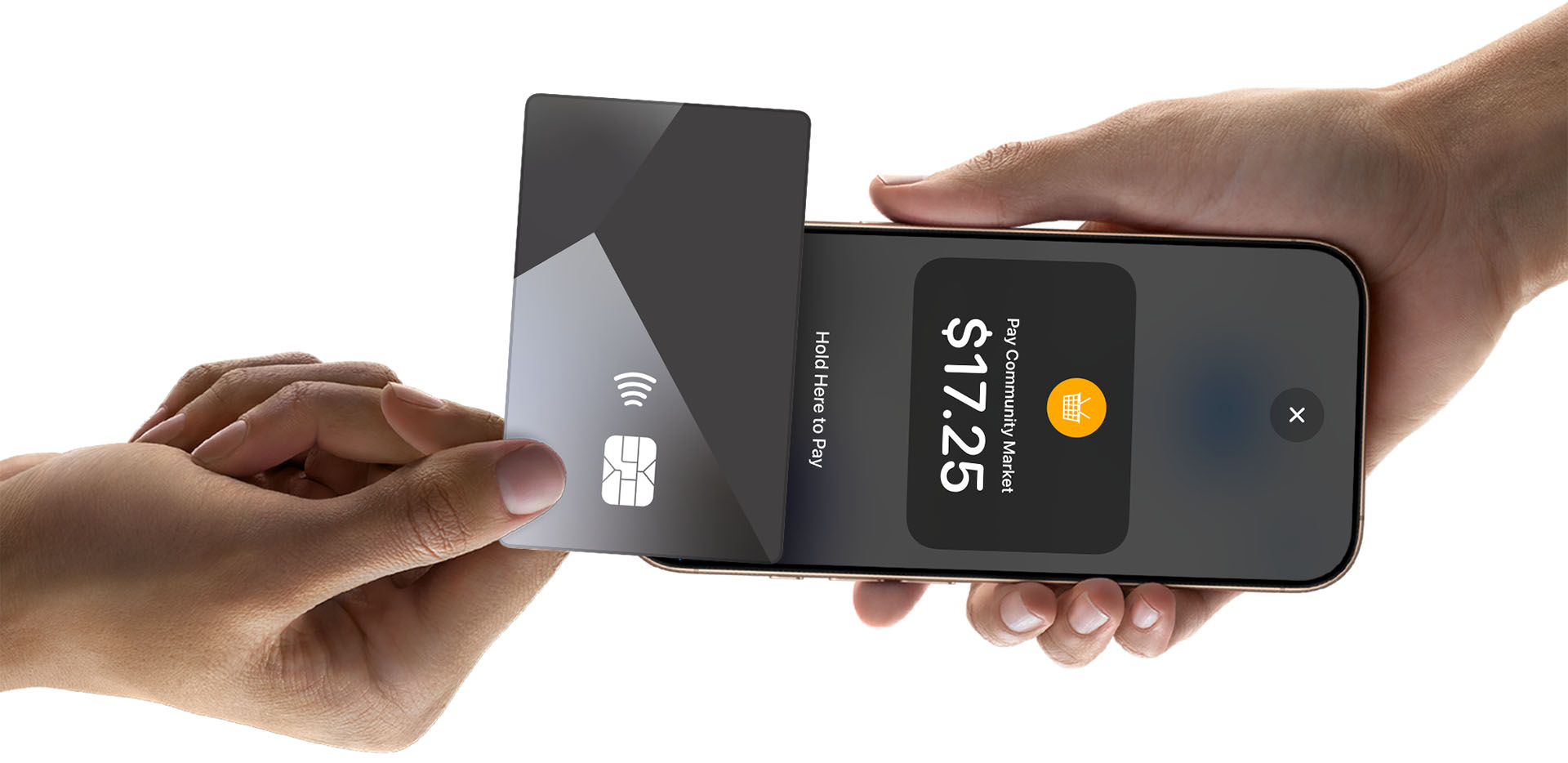
Accept contactless cards
Enter amount
Enter the payment amount and any tip on your iPhone.
Tap to pay
Ask your customer to hold their contactless card near the top of your iPhone.
Done
When you see the Done checkmark, the card read is complete and the transaction is being processed.
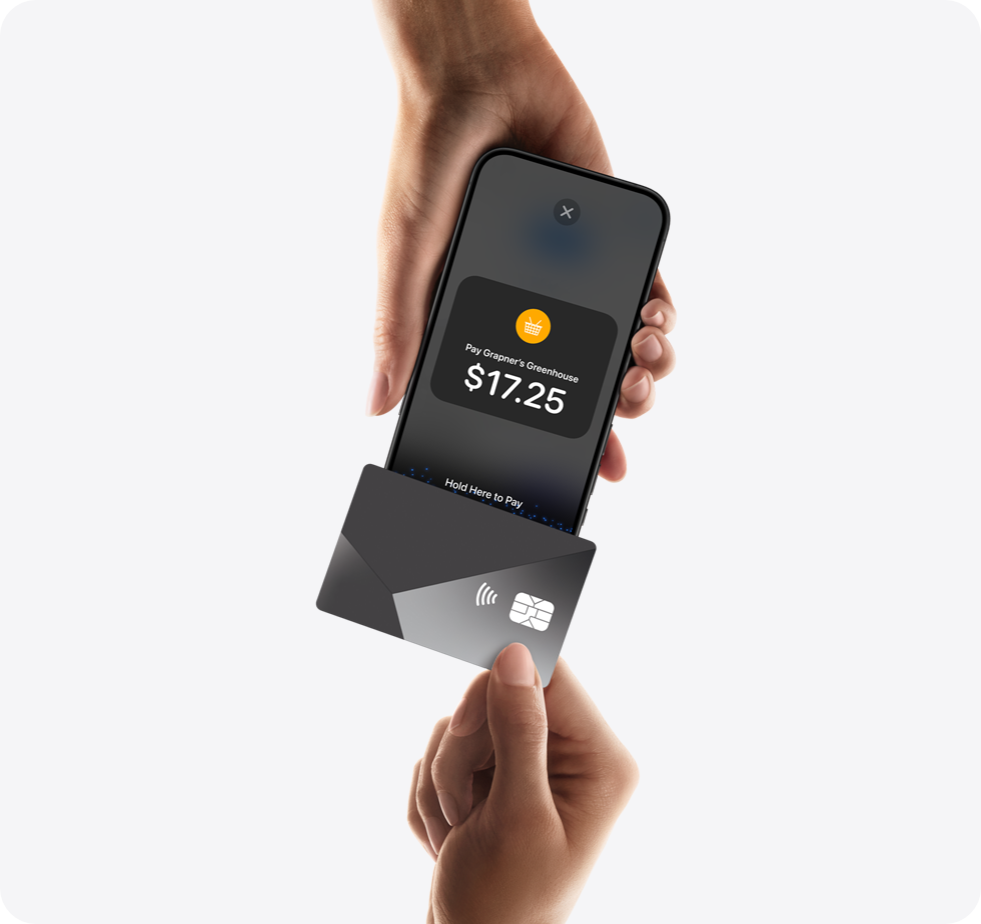
Accept Apple Pay and other digital wallets
Present payment
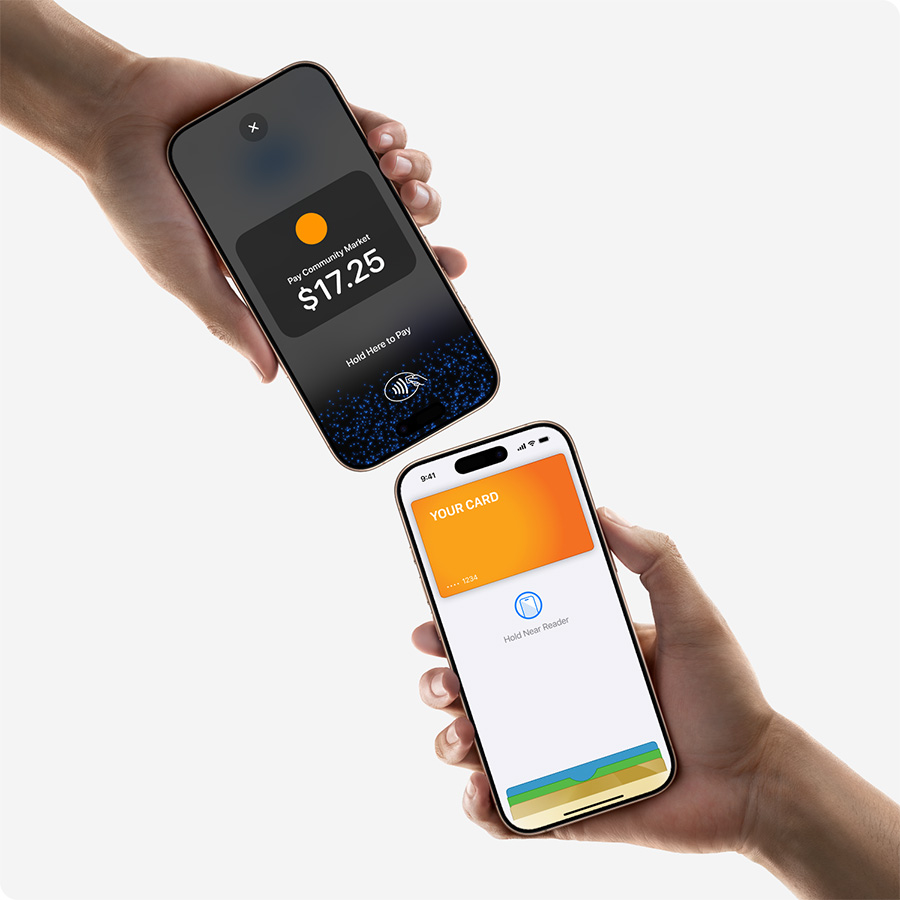
Ask your customer to hold their device at the top of your iPhone, near the contactless symbol.
Complete
When you see the Done checkmark, the read is complete and the transaction is being processed.
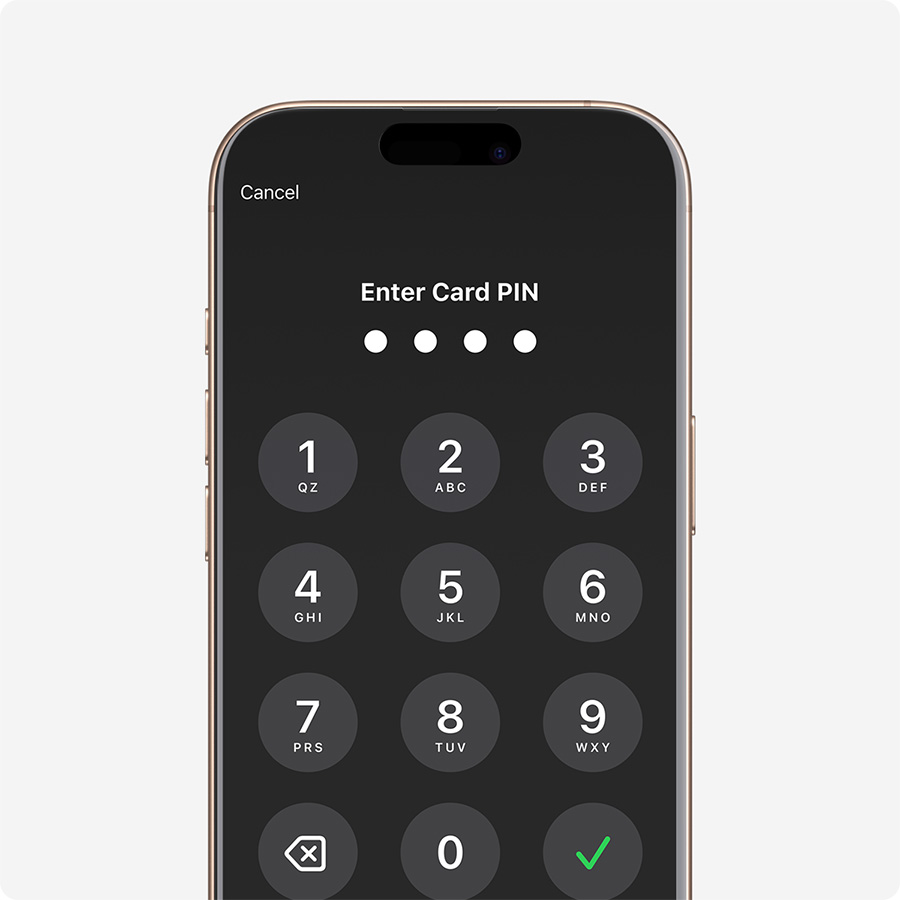
Accept payments that require PIN
Automatic PIN prompt
Transactions that require PIN entry will automatically prompt a PIN entry screen when using Tap to Pay on iPhone.
Accessibility built in
Accessibility options are built into Tap to Pay on iPhone to help customers securely enter PIN information. Audible instructions guide customers to draw their PIN on the screen or tap to indicate each digit.
Accepted payment methods
Visa
Mastercard
American Express
Discover
Apple Pay
Plus NFC-based mobile wallets and contactless cards
Requirements
Security & Privacy
All transactions are encrypted end-to-end. Card numbers are never stored on your device or shared with the merchant. Tap to Pay on iPhone is built with the same security technology that powers Apple Pay.
Available in 20+ countries
United States, United Kingdom, Canada, Australia, France, Germany, Ireland, Italy, Netherlands, New Zealand, Spain, Sweden, Switzerland, Austria, Belgium, Czech Republic, Denmark, Poland, Portugal, Singapore, and more.
Get started with Tap to Pay on iPhone
Download Fortodo and start accepting contactless payments today.

© 2026 For; to (do) Inc. All rights reserved.